I
Choose your hero.
A curious squirrel. A quiet robot. A dragon with somewhere to go. Create your own character and keep the details that make it yours.
THE AI ANIMATION WORKSHOP
Bring a small idea to life with your own hero and location. This 15-page English beginner guide takes you from your first character image to two connected shots and one finished scene.
You bring the idea.
Start with one small scene.
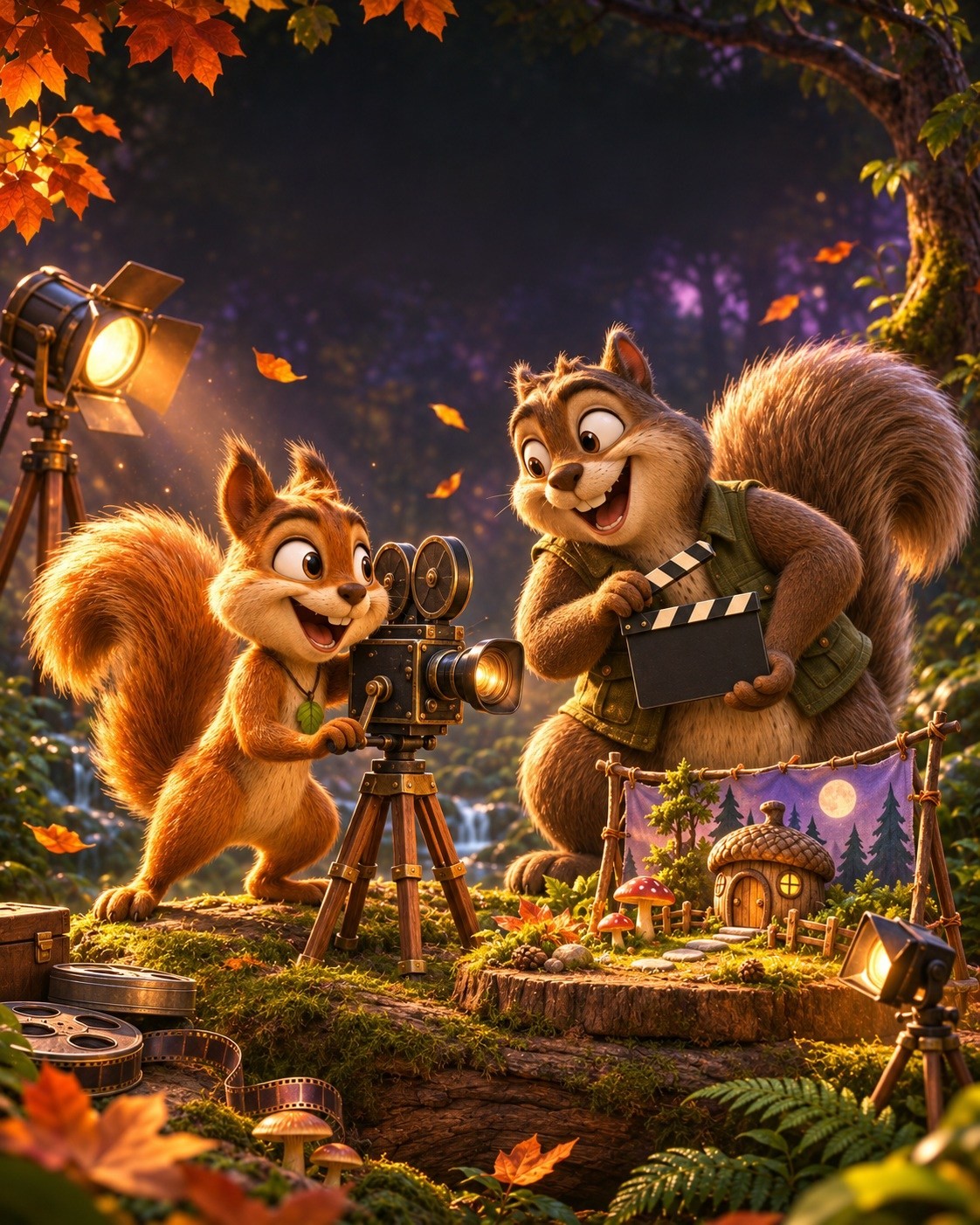
Every story begins
with a little curiosity.
You don't need a whole film in your head. Begin with a character, a place, and a moment worth bringing to life.
A curious squirrel. A quiet robot. A dragon with somewhere to go. Create your own character and keep the details that make it yours.
Make a simple location with room for the action. Save your character sheet and location image as two separate Elements in Higgsfield.
Give your hero one action in each shot. Start the second shot where the first ends, then join the two clips in CapCut Desktop.
Tool access and credits are separate. Check current plans, generation costs, and usage rights before you begin.
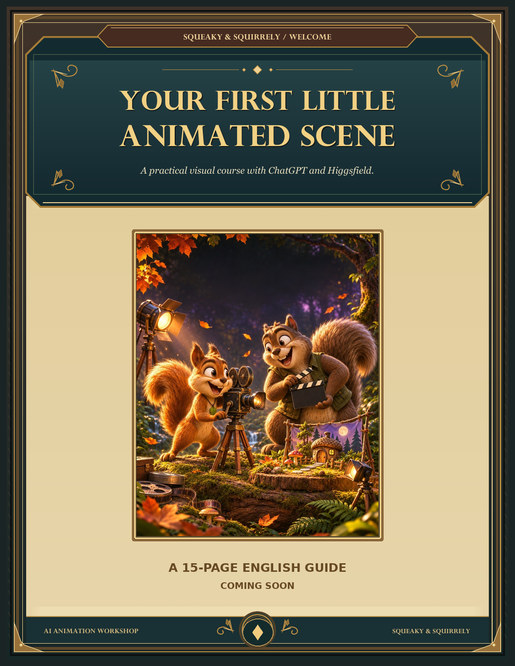
Decorative cover artwork
The full PDF is coming soon.
Follow the route from your own hero and location to a finished two-shot scene. Prompts, visual examples, and checks show what to do next.
Create your own character image and reference sheet in the same ChatGPT chat. Squeaky is a worked example, not a required character.
Create one location with room for the action, or turn a photo you have permission to use into a setting.
Use Cinema Studio in Higgsfield. Save and select your own character and location as separate Elements.
Plan two short shots with ChatGPT. Check the displayed credit cost before each generation. Review how Shot 1 ends before generating Shot 2.
Put the two clips in order in CapCut Desktop. Watch and listen across the cut, then export one MP4.
The Squeaky & Squirrely example film is a separate project. This guide helps you make your own first scene.
Keep your first motion prompt simple. This example describes one action and asks the camera to stay still.
Illustrative website example. AI results vary; review movement, character details, and unwanted changes.
The character picks up a fallen apple beside a market stall. Keep the camera still and preserve the character and location from your references.
You’re curious about AI animation and want a small first project you can work through step by step.
No animation experience is assumed. This guide still asks you to experiment. A single prompt will not make a finished film for you.
Keep the guide open as you create. Make your own hero and location, turn one simple moment into two shots, and join them in CapCut Desktop.
“One character.
One place.
One action per shot.”
The Squeaky & Squirrely AI Animation Workshop
The guide isn’t available to buy or download yet.
Not yet. This public preview shows the workflow and cover artwork. There’s nothing to purchase or download here.
It’s a 15-page English PDF for beginners, not a video course. It shows how to use ChatGPT, Higgsfield, and CapCut Desktop to create your first two-shot scene.
No. Squeaky is a worked example. Make your own hero and location. The Squeaky & Squirrely example film is separate from the guide.
No. App access and Higgsfield credits are separate from the guide. Check the credit cost shown in Higgsfield before generating a clip.
The goal is one short scene made from two connected clips: one character, one place, and one action per shot. AI results vary, so watch both clips and check how they fit together.
You can explore the cover and an illustrative motion prompt here. The full PDF isn’t available to download.
A LITTLE CURIOSITY GOES A LONG WAY.